

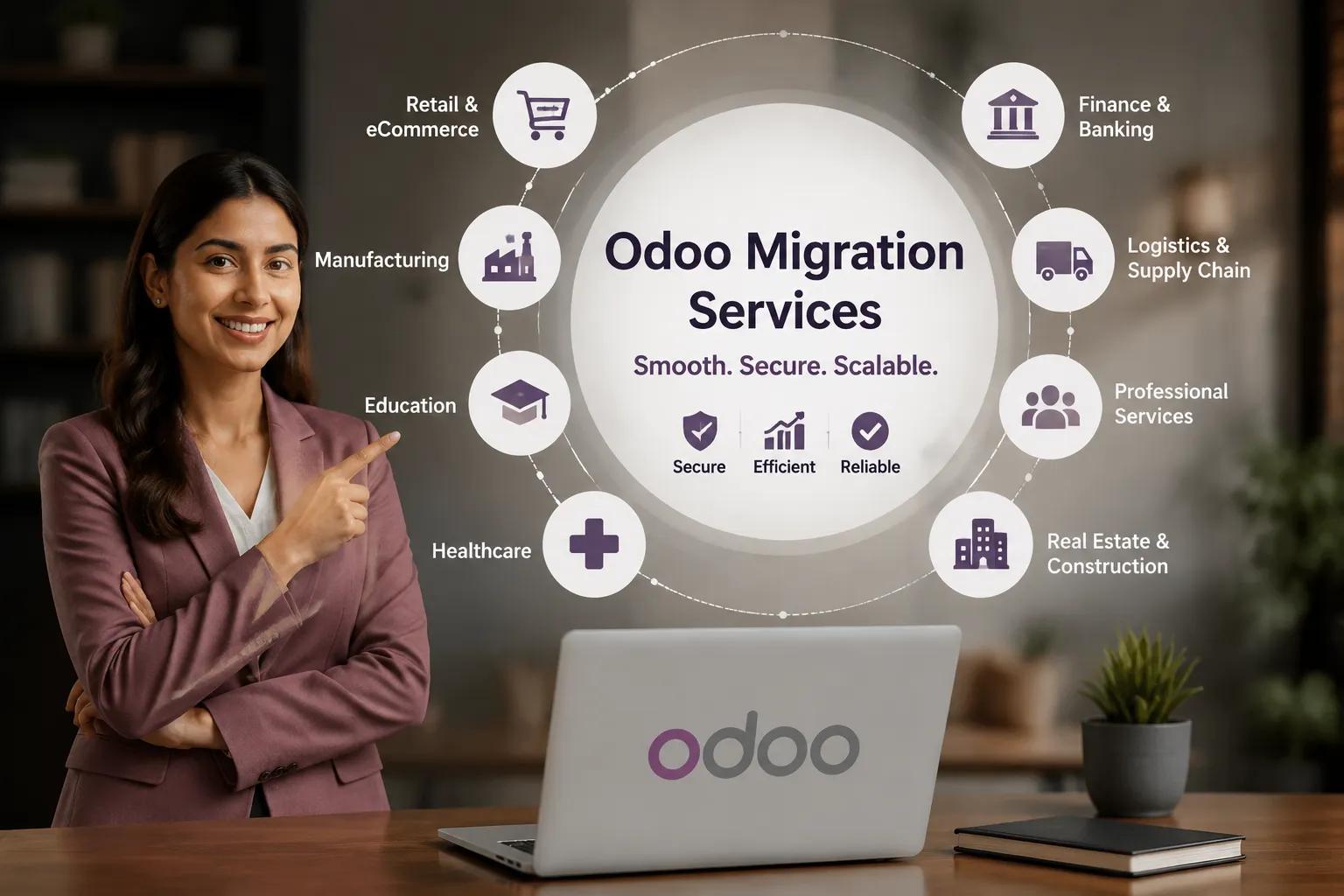
Odoo Migration Services
Moving from an outdated ERP, another business platform, or an older Odoo version is more than a technical upgrade. It affects daily operations, financial records, customer information, reporting, workflows, and employee productivity. A successful transition requires careful planning, clean data, process validation, and strong security controls. This is why businesses should treat ERP migration as a structured transformation project rather than a simple database transfer.
Why Odoo Migration Services Matter for Business Continuity
Professional Odoo Migration Services help businesses move critical information, applications, configurations, and workflows into the target Odoo environment without creating unnecessary operational disruption. The migration process can involve large volumes of business data, custom modules, third-party integrations, reports, user permissions, and historical transactions. Each of these elements must be reviewed before the new system goes live.
A poorly managed transition can create duplicate records, incomplete transaction histories, broken integrations, inaccurate reports, or unexpected downtime. On the other hand, a planned Odoo Data Migration process helps protect data quality while giving teams confidence that the new environment reflects how the business actually works.
Migration also provides an opportunity to review outdated processes. Instead of copying every old workflow into the new system, organizations can identify redundant steps, simplify approvals, remove unused fields, and align processes with current business requirements.
Step 1: Assess the Existing ERP Environment
The first stage is a detailed assessment of the current system. Businesses need to understand what they are migrating, why they are migrating it, and what should remain behind.
The assessment should cover master data, transactional data, custom modules, integrations, reports, user roles, automated actions, workflows, and document attachments. It should also identify obsolete records and legacy customizations that may no longer support business goals.
This discovery stage is especially important when migration is part of a broader odoo erp implementation project. The new environment should not simply reproduce old limitations. It should support better processes, clearer data structures, and more efficient operations.
A well-defined migration scope reduces confusion later and makes it easier to estimate effort, assign responsibilities, and set realistic milestones.
Step 2: Clean and Prepare for Odoo Data Migration
Data quality directly affects migration quality. Before any records are moved, businesses should review existing information for duplicates, incomplete fields, outdated entries, inconsistent formats, and invalid references.
For example, customer records may use different naming formats, product codes may have changed over time, or inactive vendors may still appear in the database. Moving these issues into the new ERP can make reporting and operations more difficult from day one.
A structured migration plan should define which records will be transferred, how fields will be mapped, how duplicates will be handled, and which validation rules will apply. Teams should also decide how much historical information is genuinely required. In some cases, archiving older records separately may be more practical than moving everything into the live ERP.
Step 3: Map Modules, Fields, and Workflows
Different ERP systems rarely organize information in exactly the same way. Even migrations between Odoo versions can involve changes to field structures, module behavior, or dependencies.
During mapping, the migration team connects source fields with the corresponding fields in the target environment. This may include customers, suppliers, products, invoices, sales orders, purchase orders, inventory records, accounting entries, employee data, and other operational information.
Odoo Migration Services should also account for business logic. A field may exist in both systems but behave differently because of automation, access rights, or workflow rules. Accurate mapping therefore requires both technical knowledge and a clear understanding of business processes.
The same review should be applied to custom modules and integrations. If a customization is no longer necessary, migration is often the right time to replace it with standard functionality or redesign it for the new environment.
Step 4: Test the Migration Before Going Live
Testing is one of the most important parts of an ERP transition. A complete test migration allows teams to identify problems before they affect real users.
The test environment should include representative datasets and important business scenarios. Teams can verify record counts, opening balances, customer histories, inventory quantities, tax calculations, document relationships, access permissions, and integration behavior.
Users from finance, sales, purchasing, inventory, operations, and other relevant departments should participate in validation. Technical teams may confirm that records were transferred successfully, but business users are often better positioned to identify whether the information is practical and correct.
Repeated testing also makes the migration process more predictable. Each test cycle helps the team refine scripts, field mappings, validation checks, and cutover steps before final migration.
Step 5: Protect Data and Access During Migration
ERP databases contain highly sensitive business information. Security must therefore remain part of the migration process from preparation through post-launch monitoring.
Businesses should control who can access source files, migration tools, staging databases, backups, and the target environment. Data transfers should use secure methods, and temporary files should be handled according to internal security policies.
The final migration should also include permission checks. User access should reflect current responsibilities rather than automatically copying outdated roles from the previous system. This is particularly important when the migration forms part of an odoo erp implementation initiative that introduces new teams, approval structures, or operational responsibilities.
Backups are equally important. Before the final cutover, businesses should maintain verified backups and document a recovery plan in case an unexpected issue appears.
Step 6: Plan the Final Cutover Carefully
The final cutover is the point where the organization switches from the old system to the new Odoo environment. Timing and coordination matter because even a technically successful migration can cause disruption if users are not prepared.
Odoo Migration Services should include a clear cutover checklist covering final backups, transaction freeze periods, data extraction, transformation, import, validation, integration checks, user access, and system release.
Businesses should also define who makes the final go-live decision. Finance teams may need to validate balances, operations teams may need to confirm stock quantities, and sales teams may need to verify customer and order histories.
Communication helps reduce uncertainty. Users should know when the old system becomes read-only, when the new system becomes available, and where to report issues.
Step 7: Validate the New System After Go-Live
Migration work does not end when the new ERP becomes available. The first days after launch are critical for identifying errors, answering user questions, and confirming that workflows behave correctly under real operating conditions.
Post-migration checks should compare important totals and records between the source and target systems. The team should verify accounting balances, inventory quantities, customer and vendor records, open transactions, reports, integrations, and user permissions.
A final Odoo Data Migration validation report can document what was transferred, what was archived, what was corrected, and whether any exceptions remain. This creates accountability and gives stakeholders a clear record of migration quality.
Odoo Migration Services can also include post-go-live support so that technical issues, user concerns, or process gaps are addressed quickly instead of becoming long-term operational problems.
Common Migration Mistakes to Avoid
Businesses often underestimate ERP migration because they focus only on moving records. In reality, most problems come from weak preparation.
Common mistakes include migrating unnecessary historical data, skipping data cleansing, ignoring custom module dependencies, performing limited user testing, copying outdated permissions, and planning go-live without a rollback option.
Another mistake is treating migration as an isolated IT activity. Finance, operations, sales, purchasing, inventory, and other business teams should contribute to validation because they understand how the information is used in real workflows.
Choosing the Right Migration Partner
The right migration partner should combine technical Odoo knowledge with business process understanding. They should be able to assess the source environment, identify risks, create a migration roadmap, clean and map data, test integrations, validate results, and support the final cutover.
Look for a team that explains its migration methodology clearly and provides measurable validation steps. Businesses should know how data accuracy will be checked, how customizations will be handled, how downtime will be reduced, and how unexpected issues will be managed.
A capable partner will also challenge unnecessary complexity. The goal should not be to reproduce every legacy feature. It should be to create a stable, secure, and maintainable Odoo environment that supports future growth.
Build a Safer Path to Your New ERP
A successful ERP transition depends on preparation, data quality, testing, security, and user involvement. When each stage is managed carefully, organizations can reduce migration risk while creating a cleaner foundation for future operations.
Odoo Migration Services give businesses a structured way to move from legacy or outdated systems to Odoo while protecting important records and minimizing disruption. With a clear scope, tested data, secure transfer methods, and strong post-go-live validation, the migration can become an opportunity to improve processes rather than simply replace software.